The Free CRM That Tracks the
Job, the Part, and the Callback.
Appliance repair is a two-visit business: diagnose, order the part, come back. Corex CRM keeps the job, the part, and the customer connected through the whole loop, free forever, with no per-tech pricing.
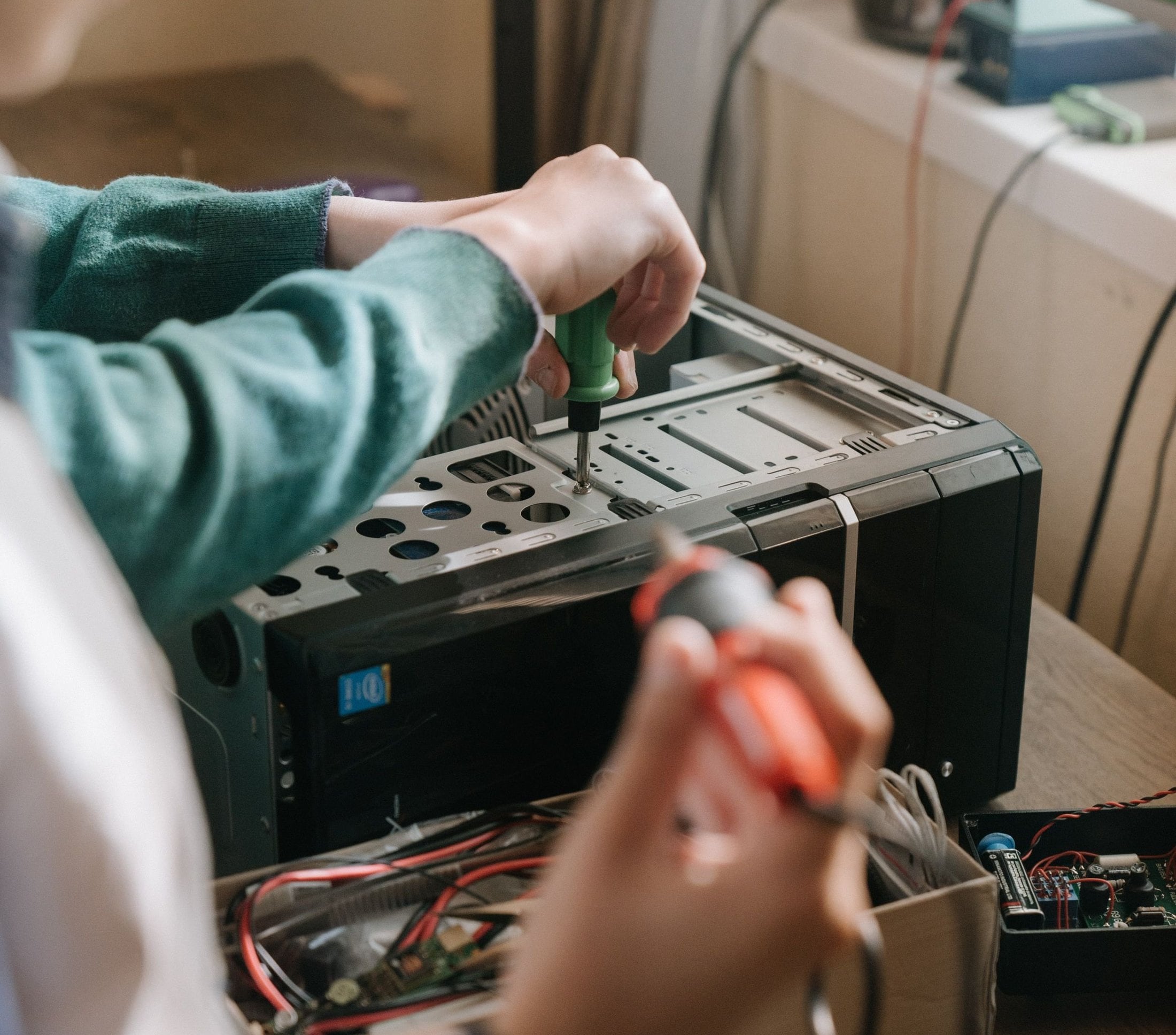
The whole operation runs here.
One tool, not five tabs.
Everything an appliance repair company runs on day to day, in one place your whole team can use.
Dispatch built for call volume
Parts and supplies tracked
Estimates + invoicing
Every appliance on record
The AI layer the incumbents don't ship.
Scheduling and invoicing are table stakes. What keeps customers and grows an appliance repair company is what happens between the visits.
Second visits that happen
Customers see the work
An owner dashboard that thinks
AI modules, already wired in
Stop paying monthly for table stakes.
| Tool | Price | Notes |
|---|---|---|
| Jobber | $39+/mo | Per-plan limits, add-ons priced on top |
| HousecallPro | $49+/mo | Lots of features you won't use |
| ServiceTitan | $200+/mo | Enterprise pricing, long onboarding |
| Corex CRM | Free | Free forever. No card, no per-user pricing. |
Bring your customers in one import.
Most appliance shops come to us from Housecall Pro, Workiz, or a dispatcher's notebook. Bring your customer list as a CSV and we map it with you on the onboarding call.
The whole CRM, free forever. No card, no trial clock, no per-user pricing. $0 setup, free migration help. Add AI modules only if you want them.
Is the CRM really free? What's the catch?
Really free. The full CRM, free forever, no card, no trial clock, no per-user pricing. Corex makes money when businesses add optional AI modules (like the AI Voice Receptionist or Reputation AI) on top. The CRM works completely on its own if you never add one.
Does it track parts and return visits?
Yes. Parts are tracked against the job, and a job waiting on a part stays an open loop the CRM surfaces until the return visit is booked, done, and paid.
How do I switch from Housecall Pro or Workiz?
Export your customer list as a CSV, drop it in, and we map the fields with you on a free onboarding call. Customers, appliances, and job history come over without retyping anything.
Can my techs use it in the field?
Yes. The field app gives each tech their day, one-tap directions and on-my-way texts, in-field estimates and payments, and photo capture on every job. It works offline and syncs when signal comes back.
Do I have to use the AI modules?
No. The CRM is a complete standalone tool. The AI modules are optional add-ons you can turn on later, and because they are native, anything you add writes into the same customer records from day one.